A step widget puts today's count where you already look, so you know how your day is going without opening an app. Apple doesn't document a built-in one: the Fitness app's widget tracks your daily activity, and the Health app has no widget in Apple's iPhone User Guide. For a step count on your Home Screen or Lock Screen, you need an app that reads Apple Health and offers widgets.
Below is what to look for, the best-known step widget apps checked against their App Store listings and developer pages, and every Stepsly widget (our app) in light and dark, so you can see exactly what you'd get.
What makes a step widget worth keeping
A widget earns its place on your Home Screen when it answers "how am I doing today?" faster than opening an app would. Most of the difference between step widgets comes down to seven things:
- A number you can read at a glance. Today's step count should be the largest thing on the widget, with enough contrast to read in daylight.
- Progress, not only a total. A bar or ring toward your daily goal tells you how much is left. 6,000 steps means something different with a 7,000 goal than with a 12,000 one, so pick a goal that fits you first.
- Context when you want it. A weekly chart, a streak or a month of goal days answers the slower question: am I keeping this up?
- The right size. A small widget fits one answer. A medium one fits that answer plus context. A Lock Screen widget is the smallest glance of all.
- A look that suits your phone. If you switch between light and dark, the widget should look right in both, or let you pick one.
- Apple Health as the source. A widget that reads Apple Health shows the same total as the Health app, including steps from an Apple Watch once it syncs. (Here's how an app like that differs from Apple Health itself.)
- Honest updates. No third-party widget is live. iOS decides when widgets refresh, so a good app keeps the number as fresh as iOS allows and doesn't pretend otherwise.
The best iPhone step widget apps in 2026
The short version:
- For goals, streaks and month views at a glance: Stepsly, our app. iPhone only, and it needs Stepsly Pro.
- For steps on your watch face too: Pedometer++, whose core features are free.
- For free widgets in an all-round tracker: StepsApp, which lists its widgets among its free features.
- For a widget that matches a custom Home Screen: Widgetsmith, where you design the widget yourself.
- For a simple tracker with a Watch app: Steps – Activity Tracker.
Last verified: 2026-10-30. Every row comes from the app's US App Store listing or its developer's own pages, linked in the sections below. Prices and features change, so check the listing before you buy.
| App | Widgets | Apple Watch | What widgets cost |
|---|---|---|---|
| Stepsly (opens in a new tab) | 10 Home Screen (small and medium), 4 Lock Screen | No Watch app | Free to download; Stepsly Pro required |
| Pedometer++ (opens in a new tab) | Home Screen and Lock Screen | Watch app and complications | Core features free; widgets aren't on the Premium list |
| StepsApp (opens in a new tab) | Home Screen and Lock Screen | Watch app and complications | Listed among the free features |
| Widgetsmith (opens in a new tab) | Home Screen and Lock Screen, designed by you | Separate Watchsmith app | Step widgets aren't on the Premium list |
| Steps – Activity Tracker (opens in a new tab) | Home Screen and Lock Screen | Watch app | Free download; $3.99 Pro upgrade |
Stepsly: goal, streak and month views
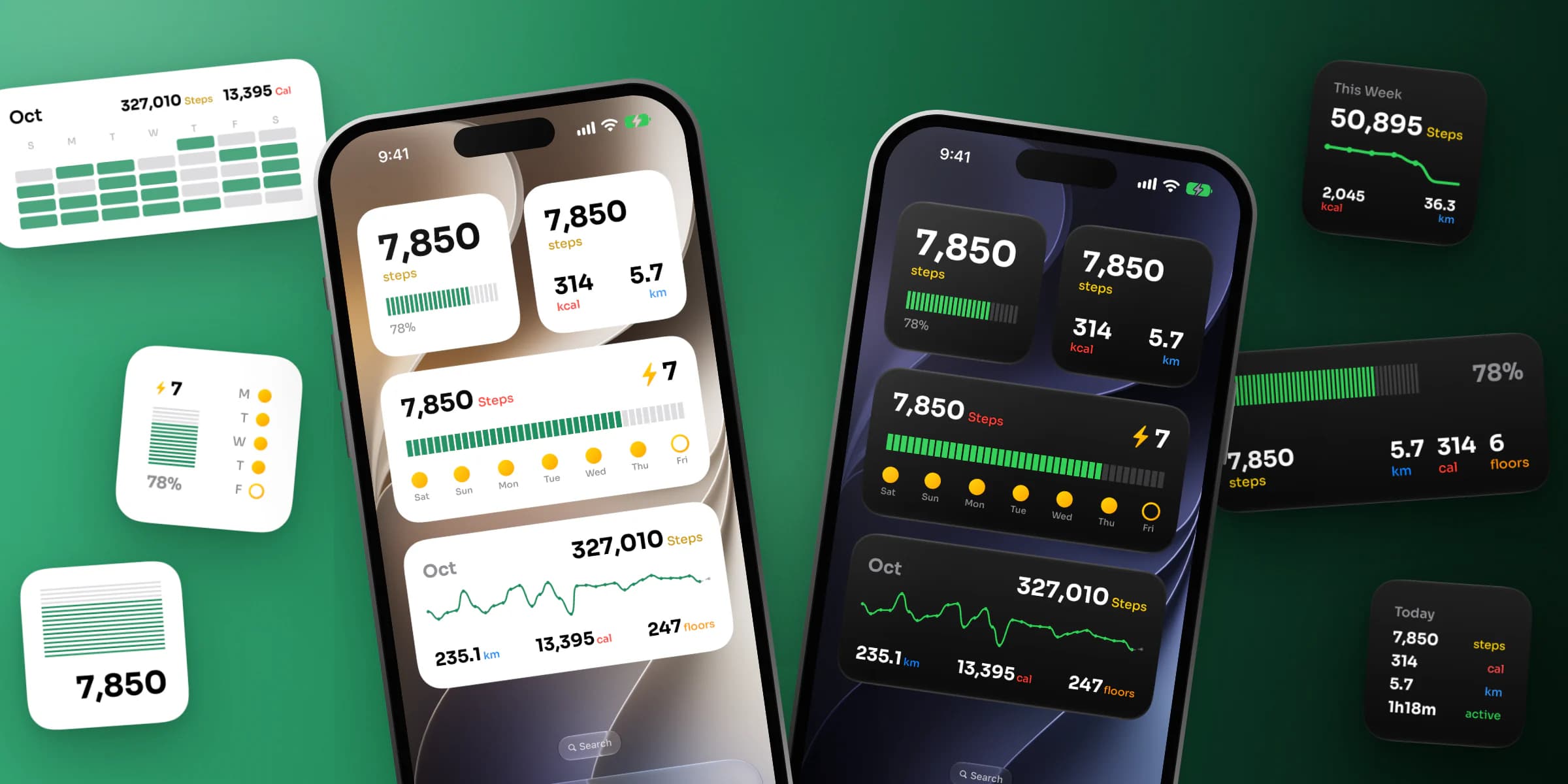
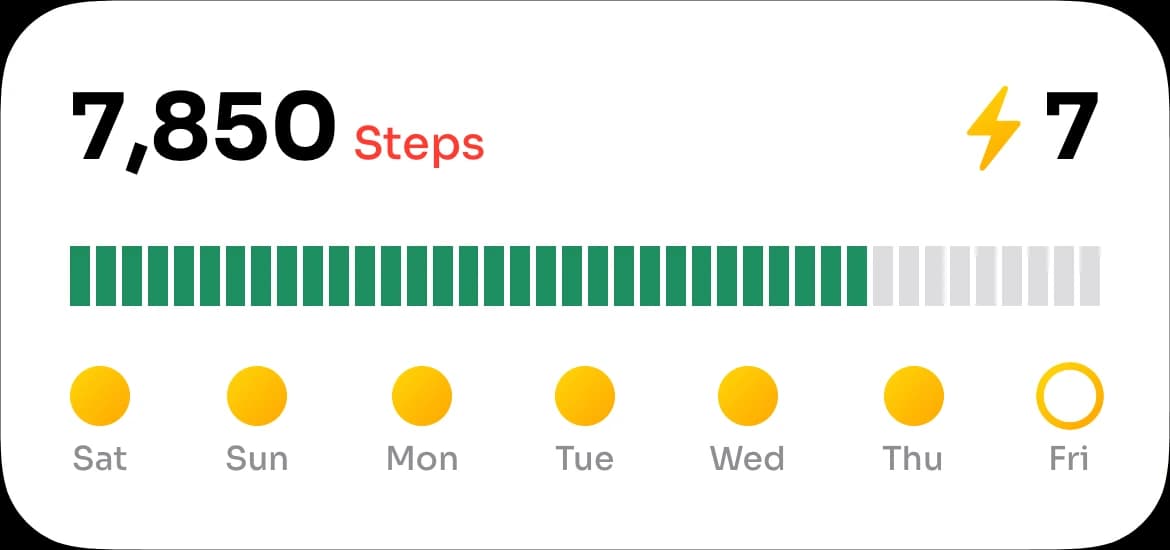
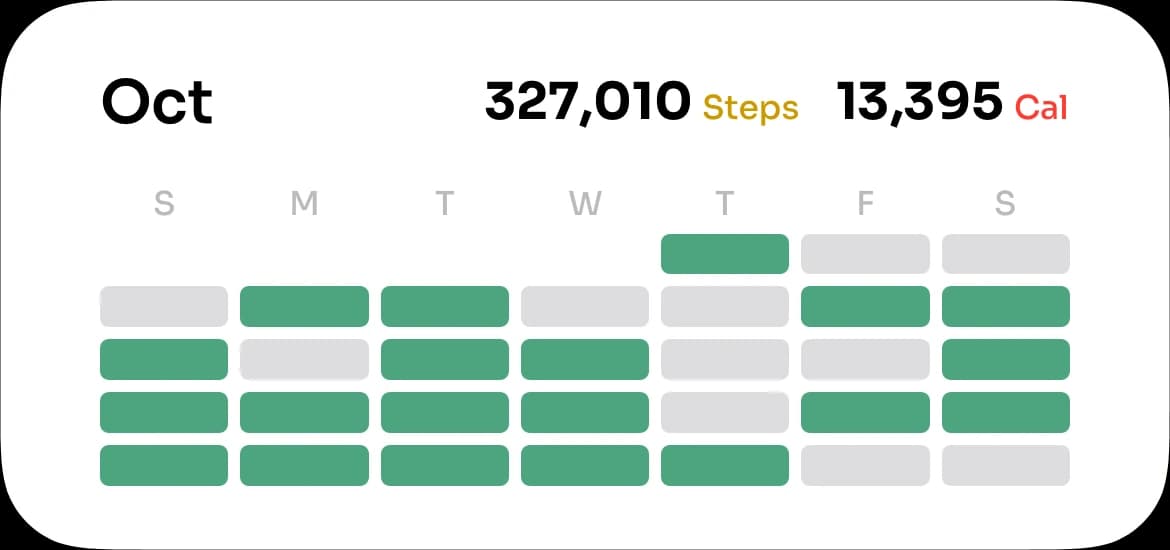
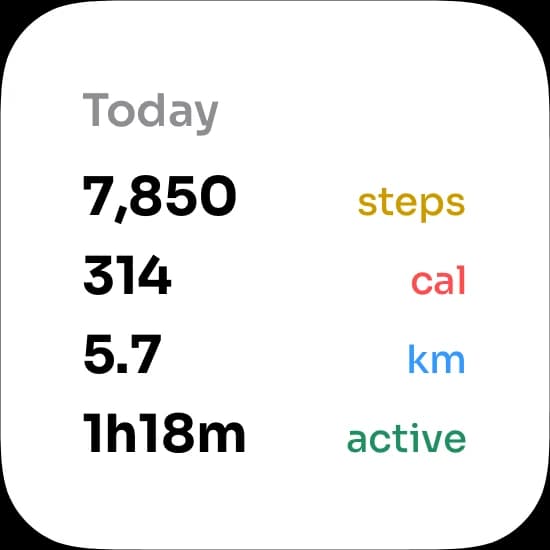
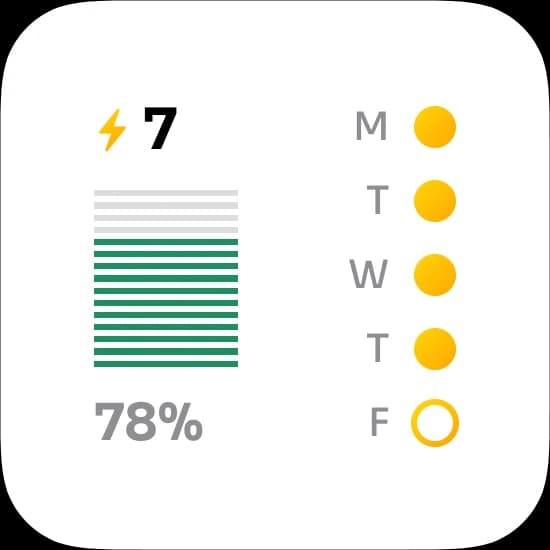
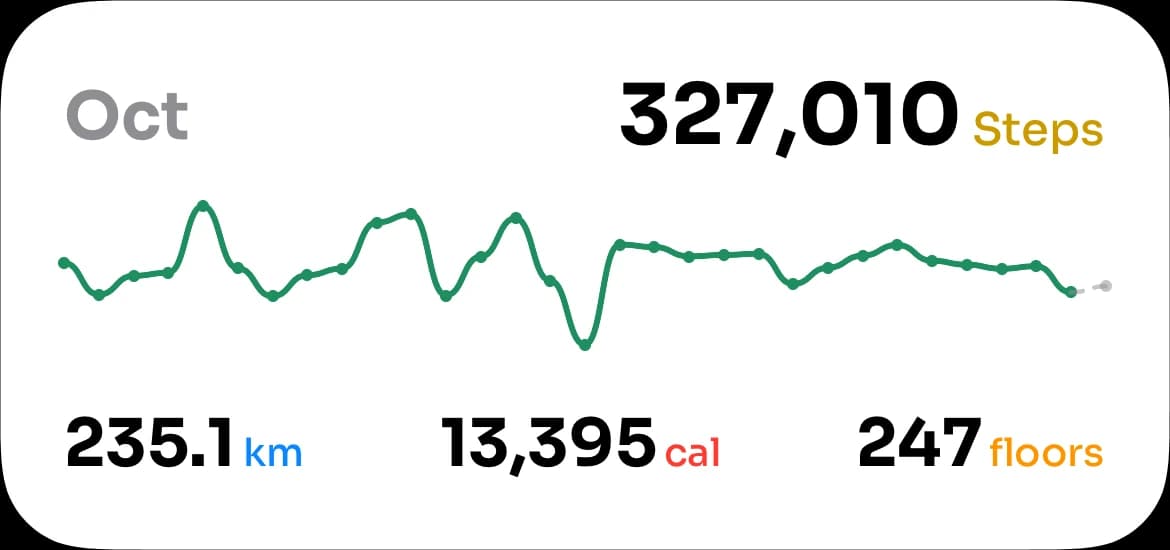
Stepsly has 10 Home Screen widgets in small and medium sizes and 4 Lock Screen widgets. They go beyond today's number: a streak with a dot for each recent day, a weekly chart, a month calendar of goal days, and a monthly chart of steps, distance and floors. Each widget can follow your phone's appearance or stay light or dark. You can see every Stepsly widget below.
Stepsly reads your steps from Apple Health, so it shows what your iPhone and Apple Watch counted. It is iPhone-only, its widgets need iOS 18 or later, and it is free to download but requires Stepsly Pro: weekly or yearly, with a free trial for eligible new subscribers, or a one-time Lifetime purchase.
Pedometer++: free core, with Apple Watch complications
Pedometer++ promises "full-featured widget support" for your step count on the Lock Screen and Home Screen, and version 8.0.4 (August 2026) added a new Home Screen widget for daily steps. It also has Apple Watch complications, which Stepsly doesn't. Its developer says the core features are free. Pedometer++ Premium costs $3.99 a month or $29.99 a year and covers extras like Expedition Mode, Live Activities and maps; widgets aren't on that list. The app has a 4.8 rating from about 185,000 ratings on the US App Store. If you're weighing it against others, see our Pedometer++ alternatives.
StepsApp: free widgets in a full tracker
StepsApp lists Home Screen widgets and Lock Screen widgets among its free features, and its support pages explain how to add it as an Apple Watch complication. PRO is a subscription for extra features. StepsApp's own widget help page (opens in a new tab) says its widgets update at least once an hour, and its Lock Screen widget about every 10 minutes. It has a 4.8 rating from about 303,000 ratings. Our StepsApp alternatives guide compares it with similar trackers.
Widgetsmith: design your own step widget
Widgetsmith is a widget builder rather than a step tracker. One of its widget types, Activity Tracking & Step Counting, reads Apple Health to show your steps or your Activity ring progress, on the Home Screen or the Lock Screen, in a style you pick to match the rest of your layout. Widgetsmith Premium (opens in a new tab) costs $1.99 a month or $19.99 a year and covers weather and tide data, interactive widgets and premium themes; step widgets aren't on that list. Pair it with the Health app for history. It has a 4.6 rating from about 778,000 ratings.
Steps – Activity Tracker: simple, with a Watch app
Steps – Activity Tracker offers iPhone widgets and Lock Screen widgets, and lets you check in from an Apple Watch. It is free to download, with a $3.99 Pro upgrade in its in-app purchases. It has a 4.8 rating from about 135,000 ratings.
Also considered
- Pacer (opens in a new tab): its App Store listing doesn't mention widgets. Pacer's 2022 blog post (opens in a new tab) describes Home Screen widgets (one of them for Premium members) and free Lock Screen widgets, so check the app before you rely on them.
- ActivityTracker Pedometer (opens in a new tab): Lock Screen widgets with hour and day graphs. Its Apple Watch complications need the PRO version.
- Steps (opens in a new tab) (getsteps.app): its listing says widgets are part of Steps Pro.
- Stepz (opens in a new tab): the only widget its listing names is a Premium Today widget for Notification Center, and the app was last updated in March 2026.
Every Stepsly widget, in light and dark
Stepsly is our app, so we can show its widgets in full rather than describe them. Below are real Stepsly widgets, cut from an iPhone Home Screen. Use the switch to see both looks.
Stepsly widgets
Steps
Weekly Steps
Streak
Month Summary
Minimal Progress
Metrics
Stats List
Streak
Monthly Chart
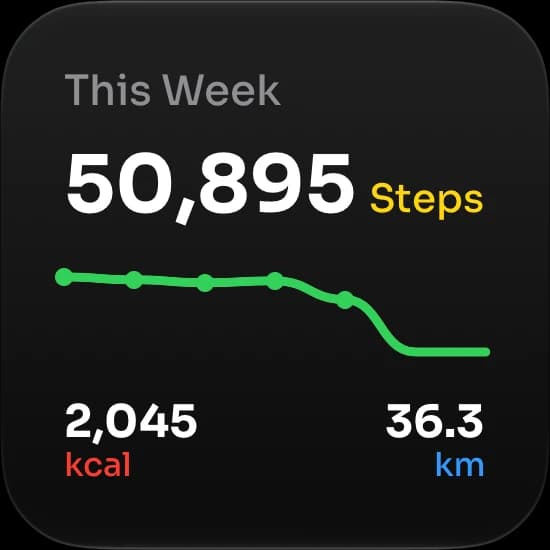
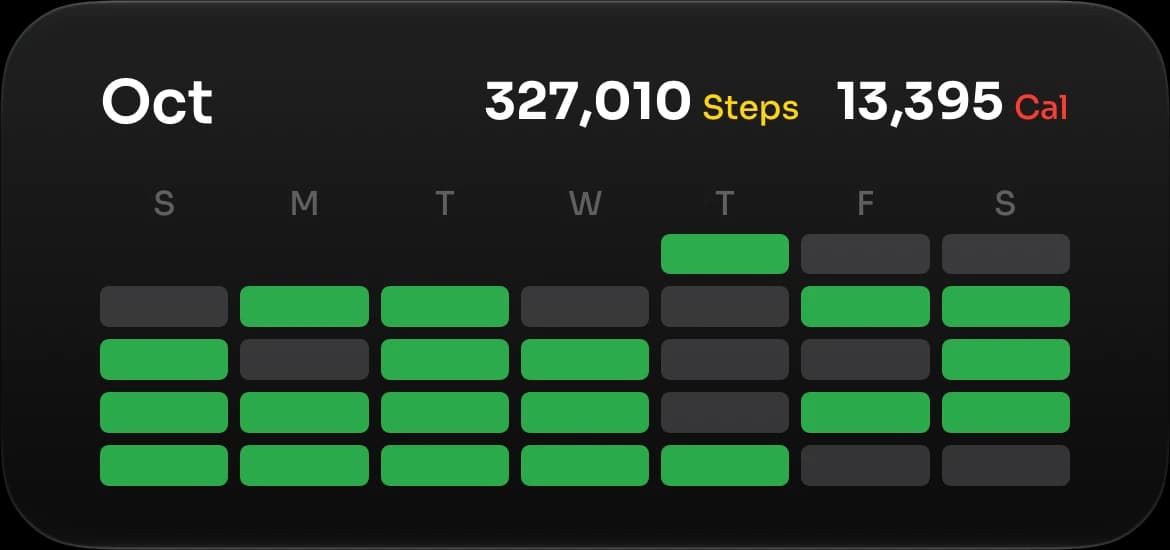
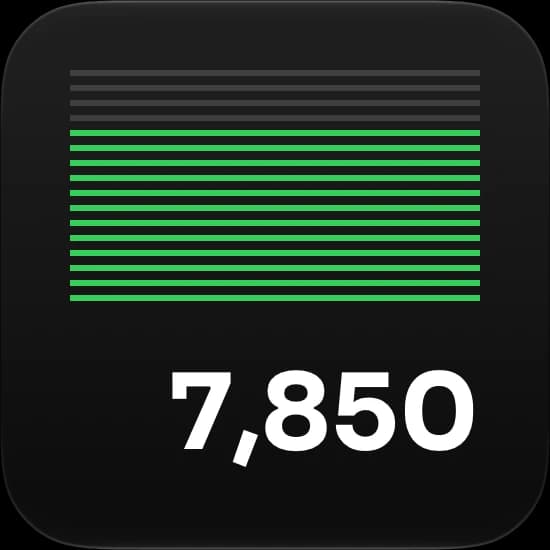
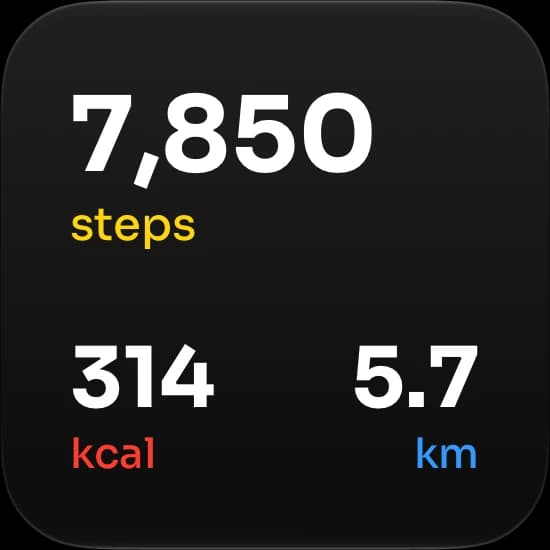
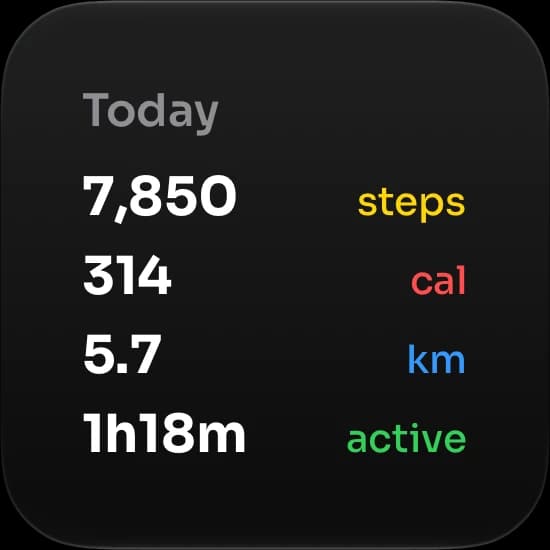
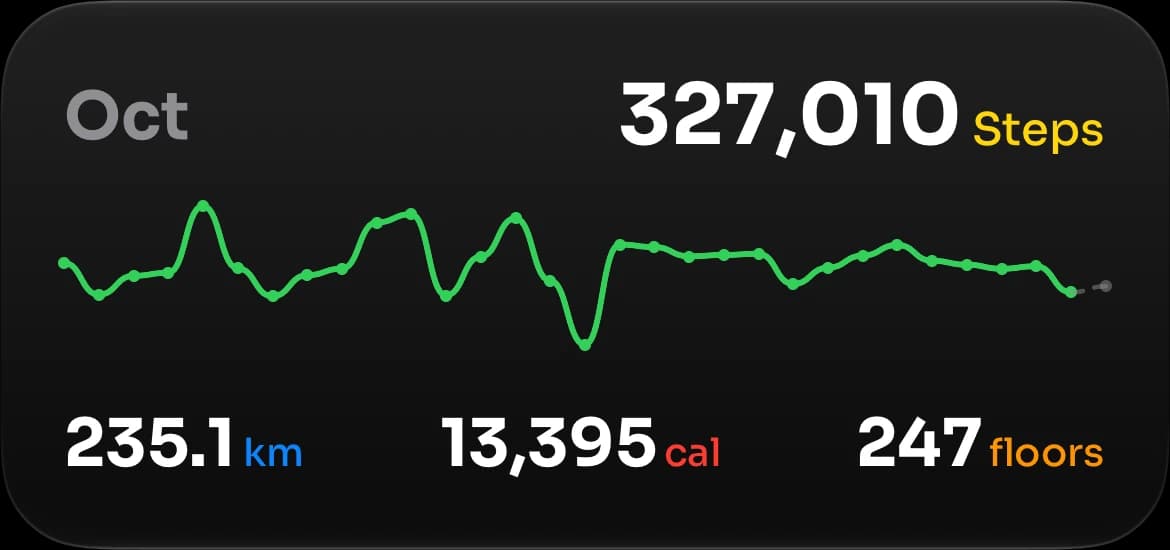
Stepsly has 10 Home Screen widgets and 4 Lock Screen widgets. Here is what each one shows:
| Widget | Sizes | What it shows |
|---|---|---|
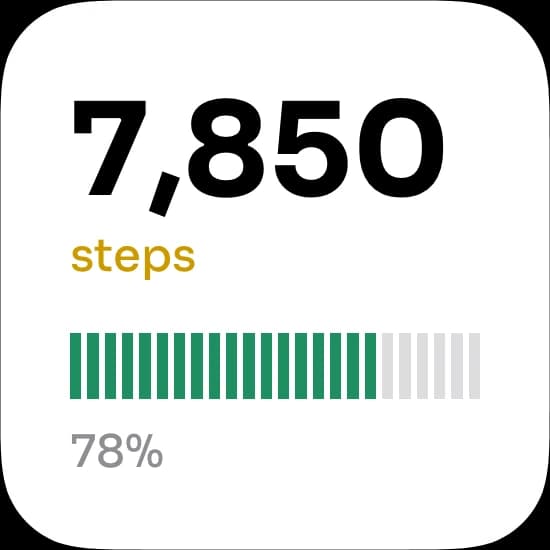
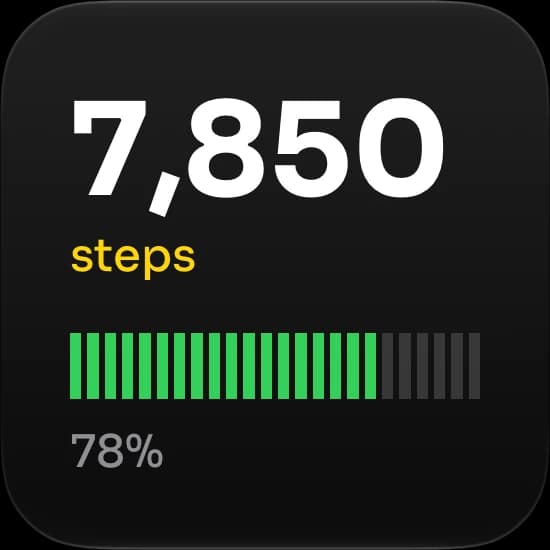
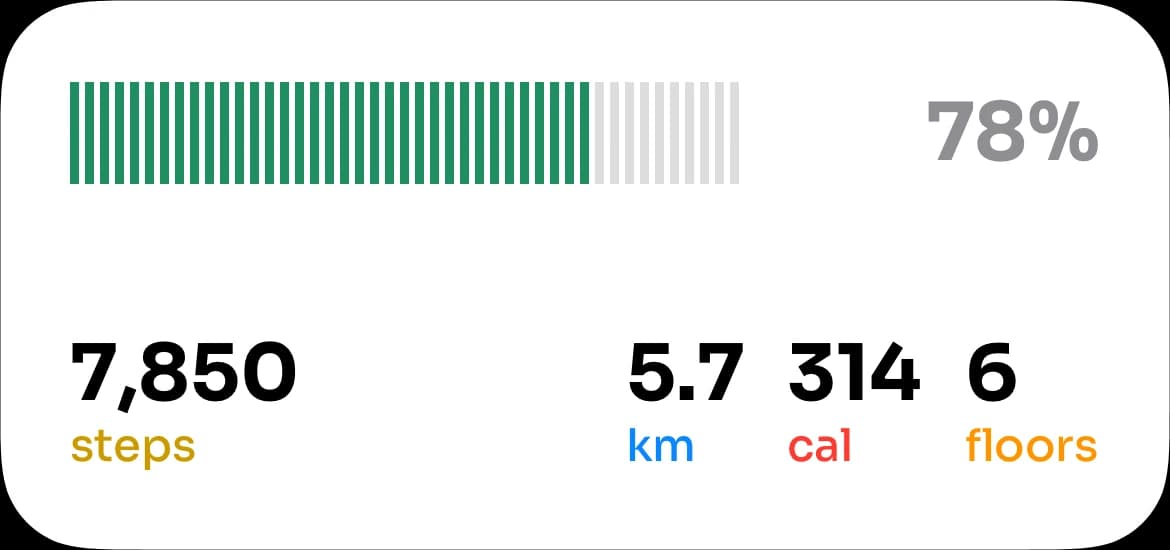
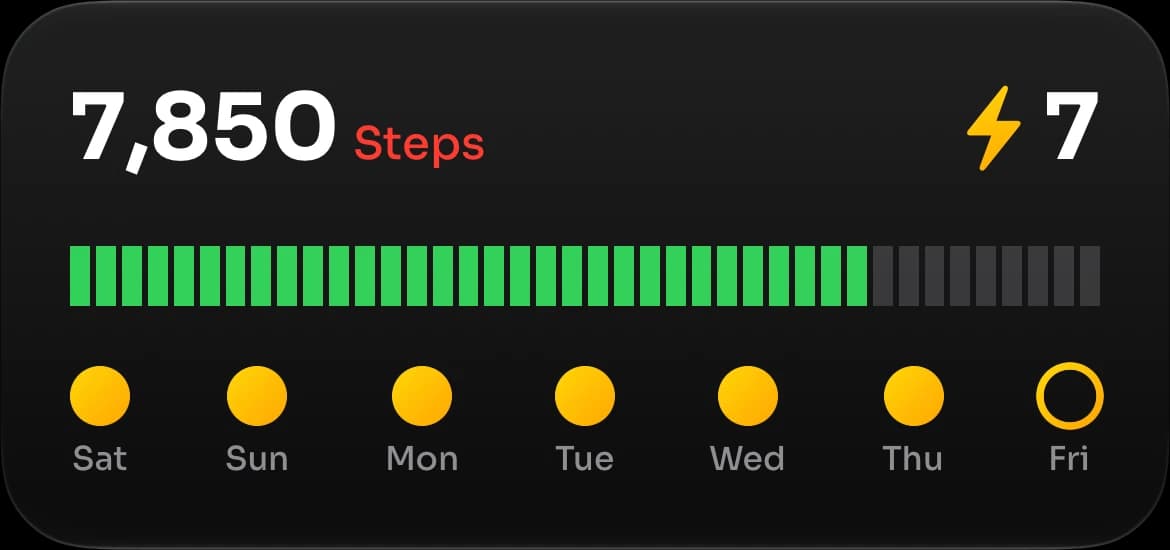
| Steps | Small, medium | Today's steps and a bar toward your goal. Medium adds distance, calories and floors. |
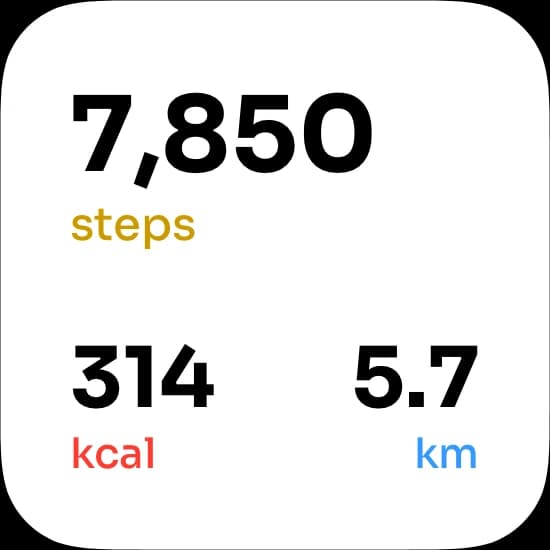
| Metrics | Small | Steps, calories and distance. |
| Stats List | Small | Steps, calories, distance and active time, as a list. |
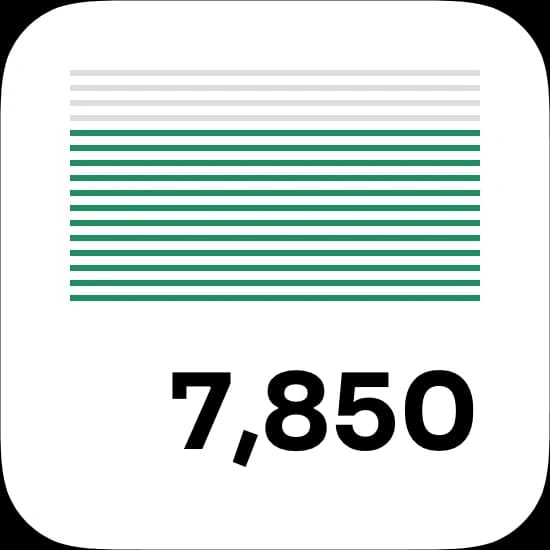
| Minimal Progress | Small | Today's steps under a stack of progress lines. |
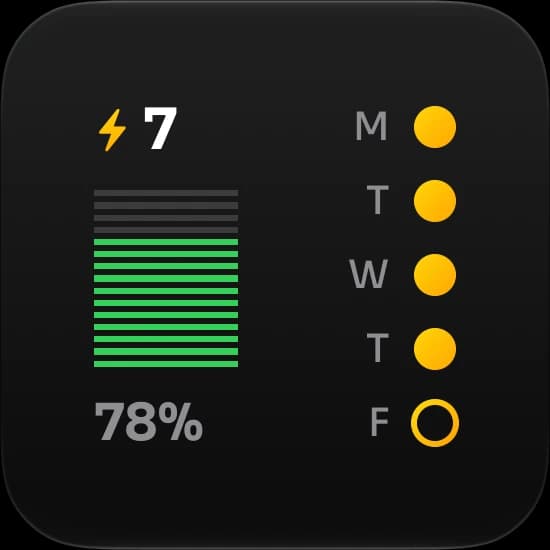
| Streak | Small, medium | Your current streak and a dot for each recent day. |
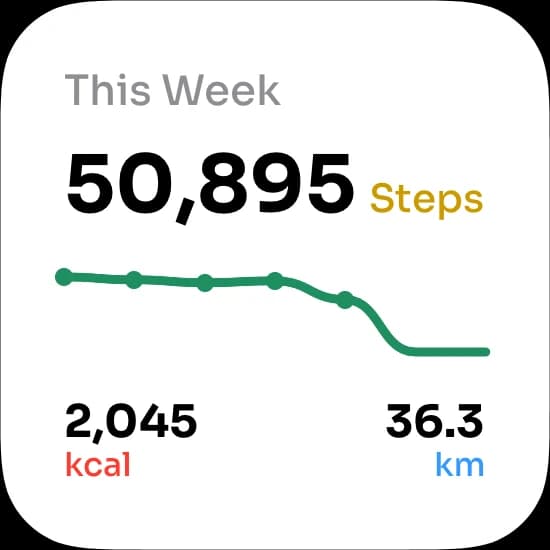
| Weekly Steps | Small | This week's total on a daily line chart. |
| This Week | Medium | The week's total with your best day, daily average and goal days. |
| Weekly Breakdown | Medium | This week against last week, day by day. |
| Monthly Chart | Medium | The month's steps as a daily line, with distance, calories and floors. |
| Month Summary | Medium | A calendar of the month with goal days marked. |
| Steps Minimal | Lock Screen: circular or rectangular | Your step count with thin progress bars. |
| Steps Progress | Lock Screen: rectangular | Step count and percentage of your goal. |
| Steps Stats | Lock Screen: rectangular | Today's steps, distance and calories. |
| Steps Inline | Lock Screen: the line above the clock | Your step count in one line. |
Every Stepsly widget has a Theme option. It follows your phone by default, or you can keep one widget light and another dark. To change it, touch and hold the widget, tap Edit Widget, and pick System, Light or Dark.
Stepsly's widgets need iOS 18 or later, and Stepsly is iPhone-only: there is no Apple Watch app or watch-face complication. If a complication matters to you, one of the Watch-capable apps above is the better choice.
Small, medium or Lock Screen: which to pick
On the Home Screen, a small widget takes the space of four app icons and a medium one takes eight. Pick by the question you want answered:
- Small for one answer: today's steps against your goal. Steps, Minimal Progress and Metrics are built for this.
- Medium for that answer plus context: the same number with distance and floors, your streak across the week, or a month of goal days.
- Lock Screen for a glance without unlocking. Lock Screen widgets need iOS 16 or later and are tiny, so they suit a number and a progress bar rather than a chart.
Steps · small
Steps · medium
If a streak keeps you walking, the Streak widget puts it next to today's count. Medium adds a dot for each of the last seven days, so a missed day is easy to spot before it breaks the run.
Streak · small
Streak · medium
How to add a step widget to your iPhone
Install the app and open it once, so it can ask for Apple Health access. Then, following Apple's guide to widgets (opens in a new tab):
On the Home Screen
- Touch and hold an empty part of the Home Screen until the apps jiggle.
- Tap Edit, then Add Widget.
- Search for the app, swipe to the widget and size you want, and tap Add Widget.
- Drag it into place and tap Done.
On the Lock Screen
- Touch and hold the Lock Screen, then tap Customize and choose the Lock Screen.
- Tap the area below the time (or the line above it), then pick the app's widget.
- Tap Done.
To stack several widgets in one spot, drag one widget on top of another of the same size and swipe through them. Our guide to using and customizing the iPhone step widget covers stacks, sizes and layout ideas in more detail.
Why a step widget can lag behind the Health app
Widgets are snapshots, not live views. An app gives iOS a timeline of what to show, and iOS decides when to ask for a new one. Apple's developer guide to keeping a widget up to date (opens in a new tab) describes a daily refresh budget that the system manages: typically 40 to 70 refreshes a day for a widget you look at often, or roughly one every 15 to 60 minutes.
Stepsly's widgets ask iOS for an update every 15 minutes. When their saved total is older than that, they read today's steps straight from Apple Health, so you don't need to open the app to move the number. iOS still chooses the moment, which is why a widget can trail the Health app for a while after a walk.
Two other things often explain a number that looks wrong:
- Apple Watch steps arrive when the watch syncs. Until then, the Health app and every widget only have your iPhone's count.
- Health picks one source per moment. When your iPhone and Apple Watch both count the same steps, Health uses its data source order (opens in a new tab) to avoid counting them twice. A widget reading Health follows the same order.
If the number stays frozen for hours, work through our fix for a step widget not updating on iPhone. If a Lock Screen widget won't appear at all, see Lock Screen step widget not showing.
For the wider choice of app beyond its widgets, read our guide to the best step counter apps for iPhone. If your phone and watch disagree on the day's total, see why step counts differ between phone and smartwatch.
Questions people ask
Does the iPhone have a built-in step widget?
Apple doesn't document one. The Fitness app has a widget that "lets you track your daily activity" from the Home Screen or Lock Screen, and Apple's iPhone User Guide doesn't describe a Health app widget. The Fitness app (opens in a new tab) itself shows your step count on its Summary screen. For a step count on your Home Screen, use an app that reads Apple Health.
Can I see my steps on the Lock Screen?
Yes, on iOS 16 or later, with an app that has Lock Screen widgets. Every app in our table offers them. Stepsly has four, including Steps Inline, which puts your step count in the line above the clock.
Is there a free step widget for iPhone?
StepsApp lists Home Screen and Lock Screen widgets among its free features. Pedometer++ keeps its core features free, and widgets aren't on its Premium list. Stepsly is free to download but needs Stepsly Pro.
Will a step widget include my Apple Watch steps?
If the app reads Apple Health, yes. Health combines the steps from your iPhone and Apple Watch, so the widget shows the same total as the Health app once the watch has synced.
Do step widgets count steps themselves?
No. Your iPhone's motion sensors and your Apple Watch do the counting, and the widget shows what its app reads from Apple Health. That's why a widget can't be more accurate than the Health app, only more convenient.
Sources, notes & disclaimers
-
How to add and edit widgets on your iPhone (opens in a new tab) — Apple Support. Home Screen and Lock Screen widget setup; Lock Screen widgets need iOS 16 or later.
-
See your activity summary on iPhone (opens in a new tab) — iPhone User Guide. The Fitness widget for your daily activity, and how iPhone motion sensors track steps.
-
Get started with Fitness on iPhone (opens in a new tab) — iPhone User Guide. The Fitness Summary screen, including your step count.
-
Manage Health data on your iPhone, iPad, or Apple Watch (opens in a new tab) — Apple Support. How Health orders data from several sources.
-
Keeping a widget up to date (opens in a new tab) — Apple Developer. WidgetKit's daily refresh budget: typically 40 to 70 refreshes a day for a frequently viewed widget.
-
Product details, verified 2026-10-30 against each app's US App Store listing (linked in the table) and the developer's own pages: Pedometer++ (opens in a new tab), StepsApp's free and PRO features (opens in a new tab), StepsApp complications (opens in a new tab), Widgetsmith FAQ (opens in a new tab), Pacer widgets (2022) (opens in a new tab), and Steps Pro (opens in a new tab). Ratings are as shown on the US App Store that day.
-
We checked other apps from their official pages; we did not test them.
-
Stepsly widget details come from the app's widget code. The screenshots are real Stepsly widgets captured on iOS 27 with sample Health data, and the header image arranges those same captures on two iPhones.
-
Disclosure: Stepsly is the publisher's product. We don't claim it is the best widget app for every setup; if you need Apple Watch complications, it isn't.